Providing Feedback to the Sponsor
Site personnel can provide feedback about the design of the forms and study to the sponsor from within a Form in the Data Entry tab.
Sensitive Information in Feedback Comments: Do not include PHI, PII, safety reporting data, or any clinical data in your feedback comment.
To send feedback to your sponsor:
- In the Data Entry tab, navigate to the bottom of the Form that you want to provide feedback on, or any Form in your Study to provide study-level feedback (for example, feedback about the schedule).
- Scroll to the end of your form.
-
Click Send Feedback to Sponsor.
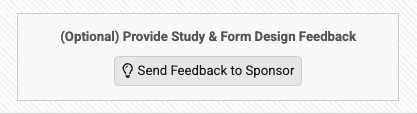
- This opens the Feedback to Sponsor dialog.
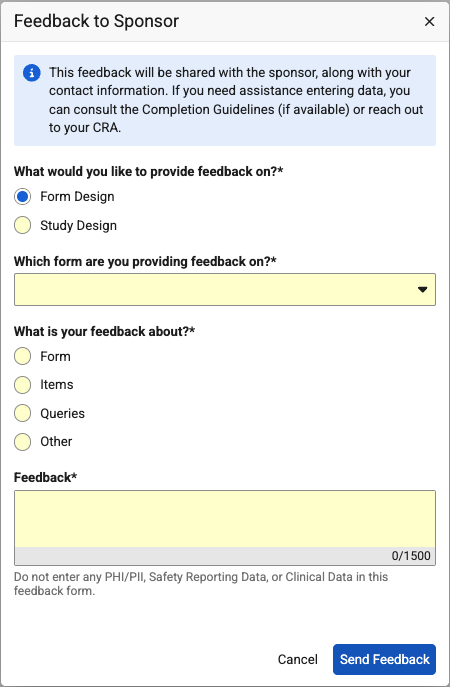 Enter your feedback here:
- What would you like to provide feedback on?: Select Form Design to provide feedback on the specific Form, otherwise, select Study Design to provide higher level feedback.
- Which form are you providing feedback on?: Select the Form that you want to provide feedback on (you can start typing your form’s name in this field to help you find it in the drop-down menu).
- What is your feedback about?: Select the subject of your feedback. If not listed, select Other.
- Feedback: In the free text field, enter your feedback comments.
- When finished, click Send Feedback.